
Wichtig vorab:Dieser Artikel gibt einen verständlichen Überblick, ersetzt aber keine Steuerberatung. Bei konkreten Fragen empfehlen wir euren Steuerberater zu kontaktieren.
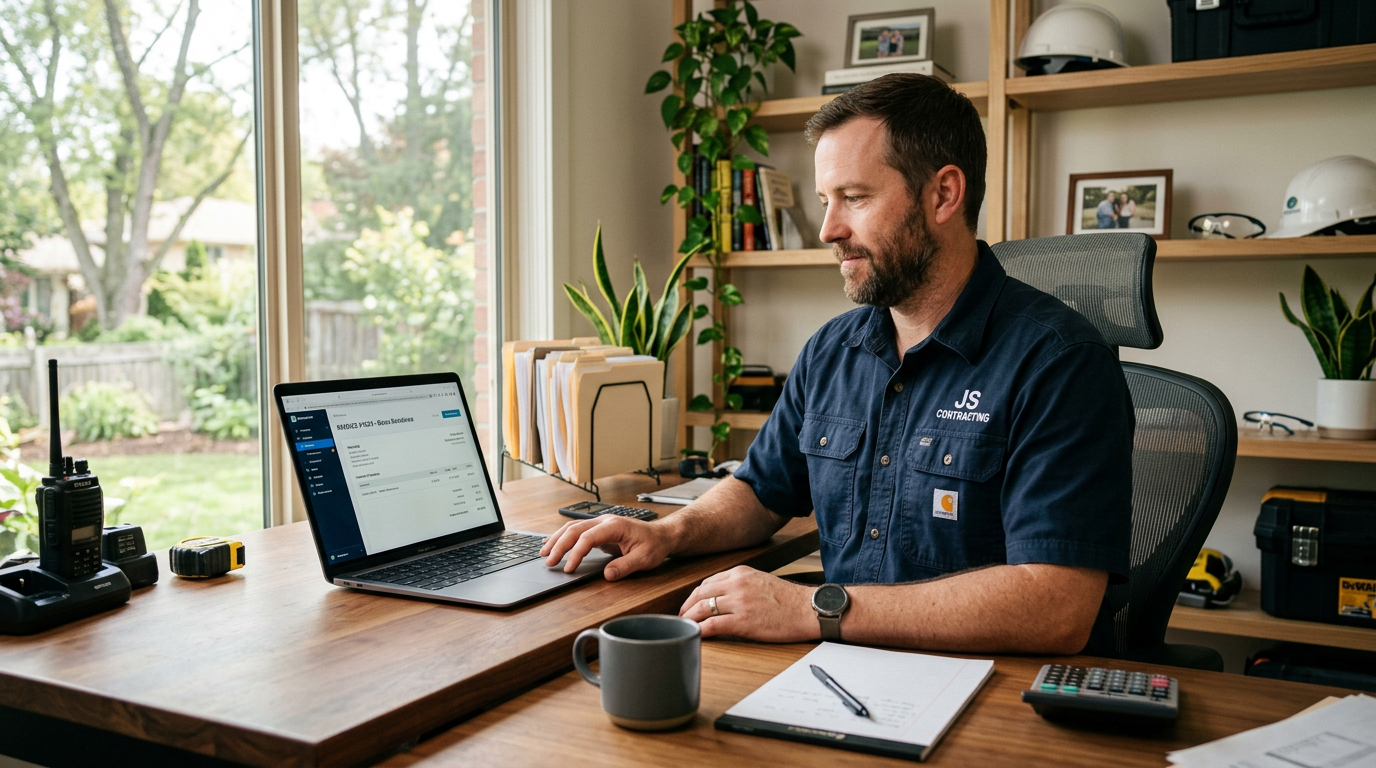
Eine neue Pflicht, die viele Handwerker und kleine Unternehmen noch nicht kennen: Seit dem 1. Januar 2025 müssen alle inländischen B2B-Rechnungen in Deutschland als elektronische Rechnung ausgestellt werden können – unabhängig von der Unternehmensgröße.
Das klingt technisch und kompliziert. Ist es aber nicht unbedingt – wenn man weiß, was genau gemeint ist und was zu tun ist. In diesem Artikel erklären wir klar und verständlich, was die E-Rechnungspflicht bedeutet, wen sie betrifft und wie ihr euch rechtzeitig richtig aufstellt.
Das ist der häufigste Irrtum: Eine E-Rechnung ist nicht einfach eine Rechnung als PDF-Datei. Eine PDF-Rechnung ist nach der neuen Definition eine ‘sonstige Rechnung’ – keine E-Rechnung im rechtlichen Sinne.
Eine echte E-Rechnung ist eine Rechnung in einem strukturierten elektronischen Format, das maschinell lesbar und verarbeitbar ist. Die in Deutschland relevanten Formate sind:
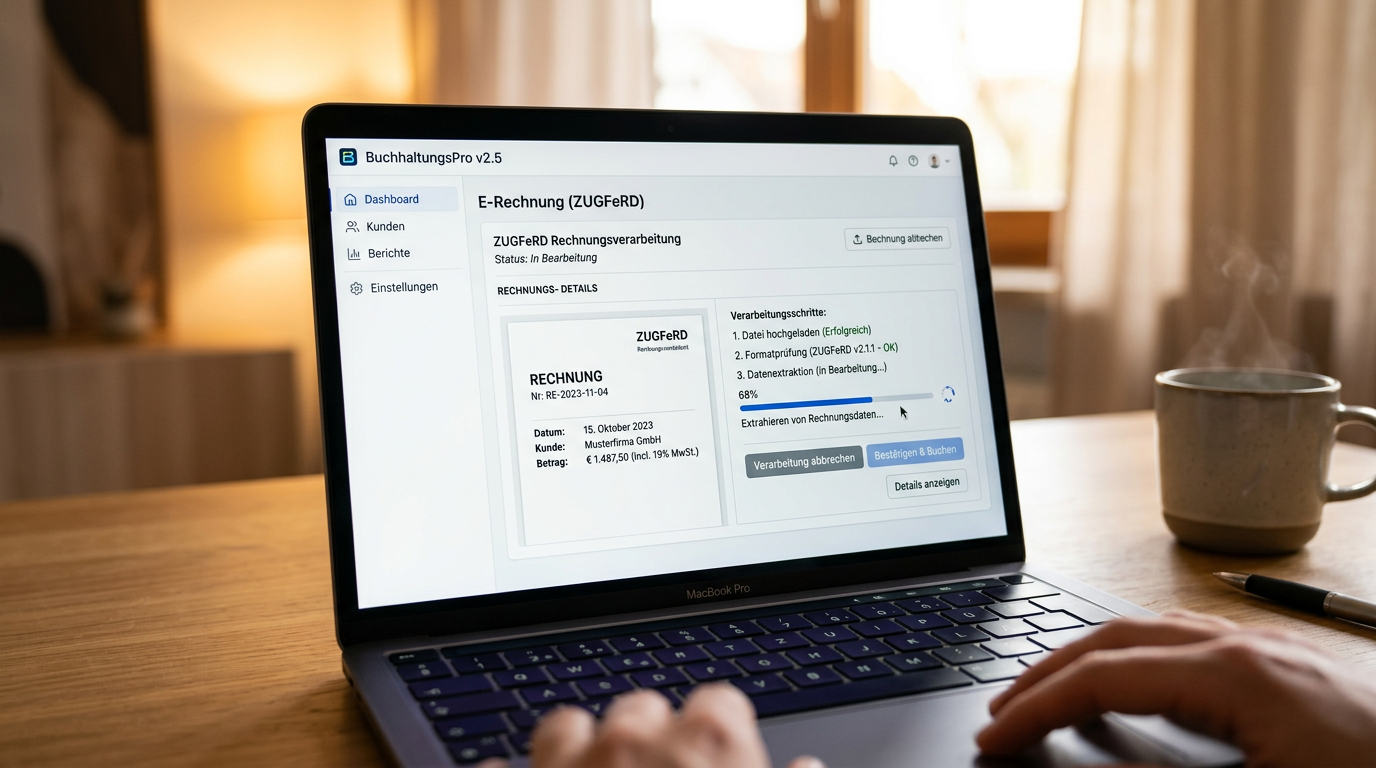
Für die meisten kleinen Handwerksbetriebe ist ZUGFeRD die praktischere Wahl – weil die Rechnung wie gewohnt als PDF aussieht, aber die nötigen strukturierten Daten enthält.
Die Pflicht gilt für alle umsatzsteuerpflichtigen Unternehmen in Deutschland, die Leistungen an andere Unternehmen (B2B) erbringen – und zwar für alle Unternehmen, egal wie groß.
Was das bedeutet: Wer unter 800.000 EUR Umsatz hat, muss noch nicht sofort E-Rechnungen ausstellen. Aber ihr müsst ab sofort in der Lage sein, E-Rechnungen zu empfangen und zu verarbeiten.
Stellt sicher, dass ihr ZUGFeRD- oder XRechnung-Dateien öffnen und verarbeiten könnt. Viele gängige Buchhaltungsprogramme wie DATEV, Lexoffice, sevDesk oder Billomat unterstützen das bereits – oder haben Updates angekündigt.
Prüft, ob euer Rechnungsprogramm E-Rechnungen im ZUGFeRD- oder XRechnung-Format erzeugen kann. Falls nicht, gibt es einfache kostenlose Tools wie den ‘Mustang’-Converter oder kostenpflichtige Lösungen.
Wer bisher mit Excel oder Word-Vorlagen Rechnungen schreibt, sollte jetzt auf eine moderne Rechnungssoftware umsteigen. Lexoffice, sevDesk oder FastBill bieten einsteigerfreundliche Lösungen mit E-Rechnungs-Unterstützung – oft ab 10 bis 20 EUR pro Monat.
Wer keine E-Rechnungen empfangen kann oder – nach Ablauf der Übergangsfrist – keine ausstellen kann, riskiert rechtliche und steuerliche Nachteile. Rechnungen, die nicht dem vorgeschriebenen Format entsprechen, können vom Empfänger abgelehnt werden.
Außerdem: Wer Eingangsrechnungen nicht korrekt verarbeitet, riskiert Probleme bei der Vorsteuerabzugsberechtigung.
Die E-Rechnungspflicht kommt – stufenweise, aber sicher. Wer jetzt seine Prozesse umstellt und eine moderne Rechnungssoftware einführt, ist gut vorbereitet und spart sich später den Stress.
Euer Steuerberater kann euch dabei helfen, die richtige Lösung für euren Betrieb zu finden. Und wenn ihr euren gesamten digitalen Auftritt modernisieren wollt – von der Website bis zur Online-Sichtbarkeit – stehen wir bei xtra-graphics.de gerne zur Verfügung.
Seit 2008 sind wir als engagierter Web‑ und E‑Commerce‑Dienstleister in der Nähe von Zwickau, Sachsen aktiv und entwickeln für Selbstständige und Unternehmen moderne, zukunftsfähige Lösungen – von individuellen WordPress‑Websites über WooCommerce‑Onlineshops bis hin zu gezieltem Online‑Marketing.
Xtra Graphics
We firmly believe that the internet should be available and accessible to anyone, and are committed to providing a website that is accessible to the widest possible audience, regardless of circumstance and ability.
To fulfill this, we aim to adhere as strictly as possible to the World Wide Web Consortium’s (W3C) Web Content Accessibility Guidelines 2.1 (WCAG 2.1) at the AA level. These guidelines explain how to make web content accessible to people with a wide array of disabilities. Complying with those guidelines helps us ensure that the website is accessible to all people: blind people, people with motor impairments, visual impairment, cognitive disabilities, and more.
This website utilizes various technologies that are meant to make it as accessible as possible at all times. We utilize an accessibility interface that allows persons with specific disabilities to adjust the website’s UI (user interface) and design it to their personal needs.
Additionally, the website utilizes an AI-based application that runs in the background and optimizes its accessibility level constantly. This application remediates the website’s HTML, adapts Its functionality and behavior for screen-readers used by the blind users, and for keyboard functions used by individuals with motor impairments.
If you’ve found a malfunction or have ideas for improvement, we’ll be happy to hear from you. You can reach out to the website’s operators by using the following email
Our website implements the ARIA attributes (Accessible Rich Internet Applications) technique, alongside various different behavioral changes, to ensure blind users visiting with screen-readers are able to read, comprehend, and enjoy the website’s functions. As soon as a user with a screen-reader enters your site, they immediately receive a prompt to enter the Screen-Reader Profile so they can browse and operate your site effectively. Here’s how our website covers some of the most important screen-reader requirements, alongside console screenshots of code examples:
Screen-reader optimization: we run a background process that learns the website’s components from top to bottom, to ensure ongoing compliance even when updating the website. In this process, we provide screen-readers with meaningful data using the ARIA set of attributes. For example, we provide accurate form labels; descriptions for actionable icons (social media icons, search icons, cart icons, etc.); validation guidance for form inputs; element roles such as buttons, menus, modal dialogues (popups), and others. Additionally, the background process scans all the website’s images and provides an accurate and meaningful image-object-recognition-based description as an ALT (alternate text) tag for images that are not described. It will also extract texts that are embedded within the image, using an OCR (optical character recognition) technology. To turn on screen-reader adjustments at any time, users need only to press the Alt+1 keyboard combination. Screen-reader users also get automatic announcements to turn the Screen-reader mode on as soon as they enter the website.
These adjustments are compatible with all popular screen readers, including JAWS and NVDA.
Keyboard navigation optimization: The background process also adjusts the website’s HTML, and adds various behaviors using JavaScript code to make the website operable by the keyboard. This includes the ability to navigate the website using the Tab and Shift+Tab keys, operate dropdowns with the arrow keys, close them with Esc, trigger buttons and links using the Enter key, navigate between radio and checkbox elements using the arrow keys, and fill them in with the Spacebar or Enter key.Additionally, keyboard users will find quick-navigation and content-skip menus, available at any time by clicking Alt+1, or as the first elements of the site while navigating with the keyboard. The background process also handles triggered popups by moving the keyboard focus towards them as soon as they appear, and not allow the focus drift outside it.
Users can also use shortcuts such as “M” (menus), “H” (headings), “F” (forms), “B” (buttons), and “G” (graphics) to jump to specific elements.
We aim to support the widest array of browsers and assistive technologies as possible, so our users can choose the best fitting tools for them, with as few limitations as possible. Therefore, we have worked very hard to be able to support all major systems that comprise over 95% of the user market share including Google Chrome, Mozilla Firefox, Apple Safari, Opera and Microsoft Edge, JAWS and NVDA (screen readers).
Despite our very best efforts to allow anybody to adjust the website to their needs. There may still be pages or sections that are not fully accessible, are in the process of becoming accessible, or are lacking an adequate technological solution to make them accessible. Still, we are continually improving our accessibility, adding, updating and improving its options and features, and developing and adopting new technologies. All this is meant to reach the optimal level of accessibility, following technological advancements. For any assistance, please reach out to
Sie sehen gerade einen Platzhalterinhalt von Vimeo. Um auf den eigentlichen Inhalt zuzugreifen, klicken Sie auf die Schaltfläche unten. Bitte beachten Sie, dass dabei Daten an Drittanbieter weitergegeben werden.
Mehr InformationenSie sehen gerade einen Platzhalterinhalt von YouTube. Um auf den eigentlichen Inhalt zuzugreifen, klicken Sie auf die Schaltfläche unten. Bitte beachten Sie, dass dabei Daten an Drittanbieter weitergegeben werden.
Mehr InformationenSie müssen den Inhalt von reCAPTCHA laden, um das Formular abzuschicken. Bitte beachten Sie, dass dabei Daten mit Drittanbietern ausgetauscht werden.
Mehr InformationenSie müssen den Inhalt von hCaptcha laden, um das Formular abzuschicken. Bitte beachten Sie, dass dabei Daten mit Drittanbietern ausgetauscht werden.
Mehr InformationenSie müssen den Inhalt von reCAPTCHA laden, um das Formular abzuschicken. Bitte beachten Sie, dass dabei Daten mit Drittanbietern ausgetauscht werden.
Mehr InformationenSie müssen den Inhalt von Turnstile laden, um das Formular abzuschicken. Bitte beachten Sie, dass dabei Daten mit Drittanbietern ausgetauscht werden.
Mehr InformationenSie sehen gerade einen Platzhalterinhalt von Smartsupp. Um auf den eigentlichen Inhalt zuzugreifen, klicken Sie auf die Schaltfläche unten. Bitte beachten Sie, dass dabei Daten an Drittanbieter weitergegeben werden.
Mehr Informationen