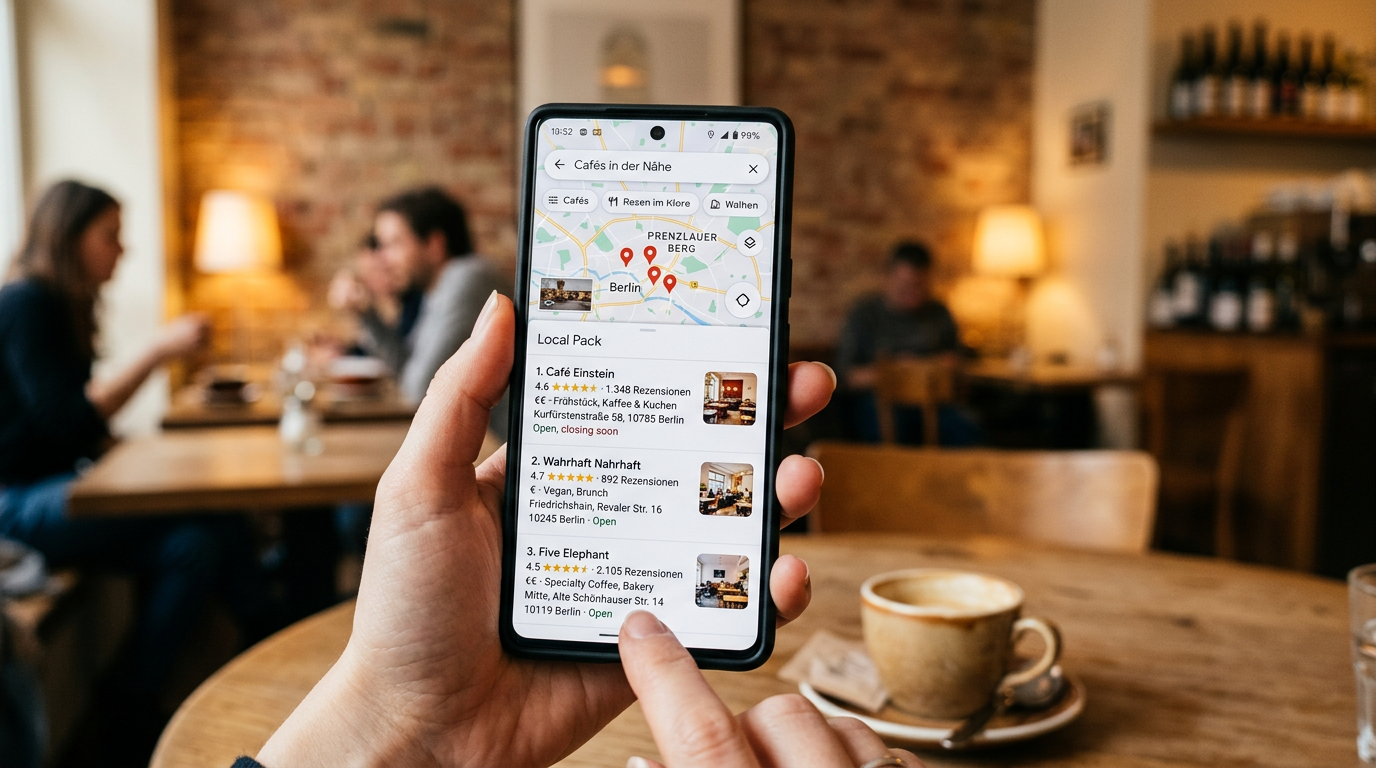
Wenn jemand nach einem lokalen Unternehmen googelt, sieht er zunächst keine normalen Suchergebnisse – er sieht eine Karte mit drei hervorgehobenen Unternehmen. Das sogenannte Local Pack. Wer hier auftaucht, hat einen enormen Sichtbarkeitsvorteil.
Der Schlüssel dazu: ein vollständig ausgefülltes und gepflegtes Google Business Profil. Es ist kostenlos, dauert keine Stunde in der Einrichtung – und wird von erstaunlich vielen Unternehmen vernachlässigt. Das ist eure Chance.
Das Google Business Profil (früher Google My Business) ist euer kostenloser Eintrag bei Google – mit Name, Adresse, Öffnungszeiten, Fotos, Bewertungen und mehr. Es erscheint rechts neben den Suchergebnissen auf dem Desktop oder als Karte auf dem Smartphone.
Wer kein Profil hat oder ein unvollständiges, erscheint im Local Pack kaum oder gar nicht. Wer ein gepflegtes Profil hat, kann auch ohne aufwändige SEO-Maßnahmen lokal sichtbar werden.
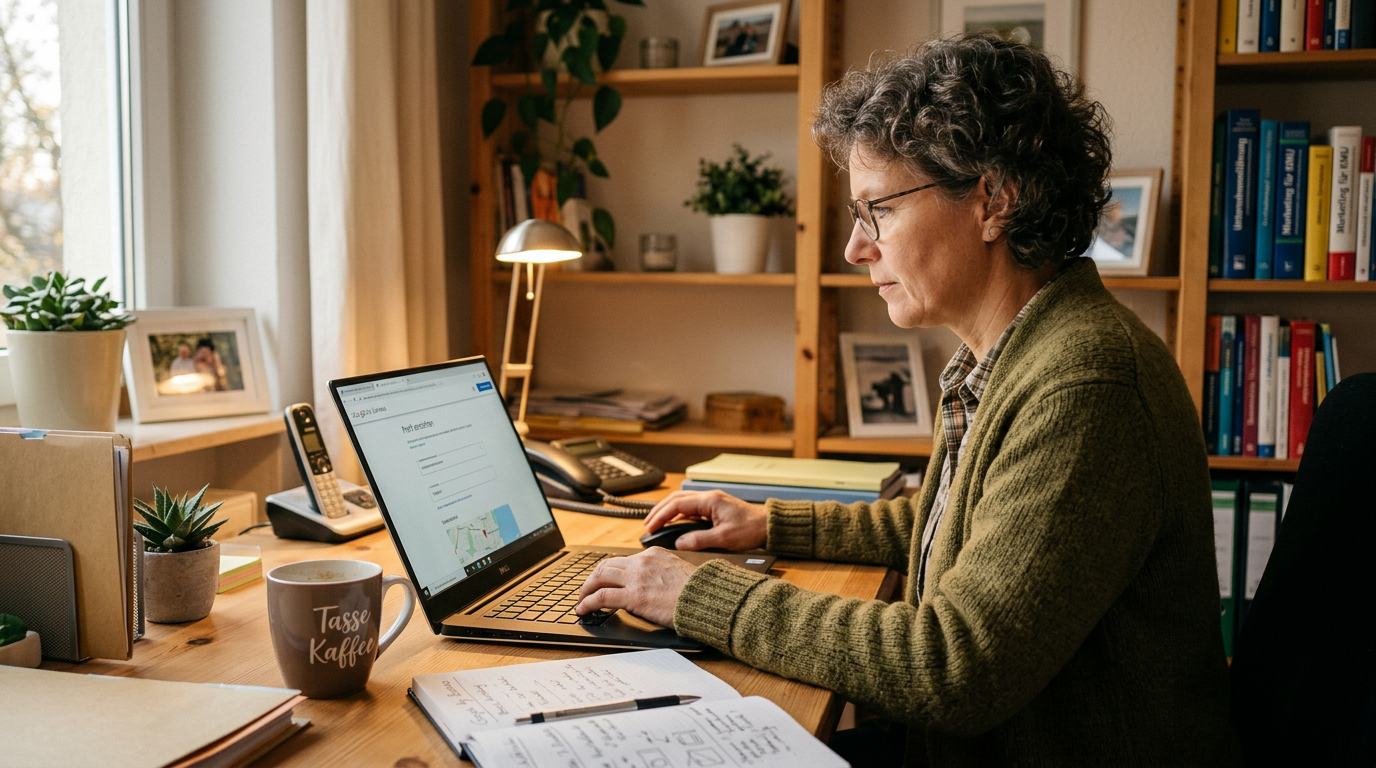
Ruft business.google.com auf und meldet euch mit eurem Google-Konto an. Sucht nach eurem Unternehmensname – möglicherweise existiert bereits ein automatisch erstelltes Profil, das ihr nur beanspruchen müsst. Falls nicht, legt ein neues an.
Google verifiziert euren Eintrag – in der Regel per Postkarte mit einem Code, die ihr an eure Geschäftsadresse schickt. Das dauert etwa eine Woche.
Vollständigkeit ist einer der wichtigsten Rankingfaktoren. Füllt alles aus:
Profile mit Fotos werden deutlich häufiger angeklickt als solche ohne. Was hochladen?
Tipp: Ladet regelmäßig neue Fotos hoch – Google belohnt aktive Profile. Einmal im Monat ein neues Foto reicht schon, um als aktiver Betrieb wahrgenommen zu werden.
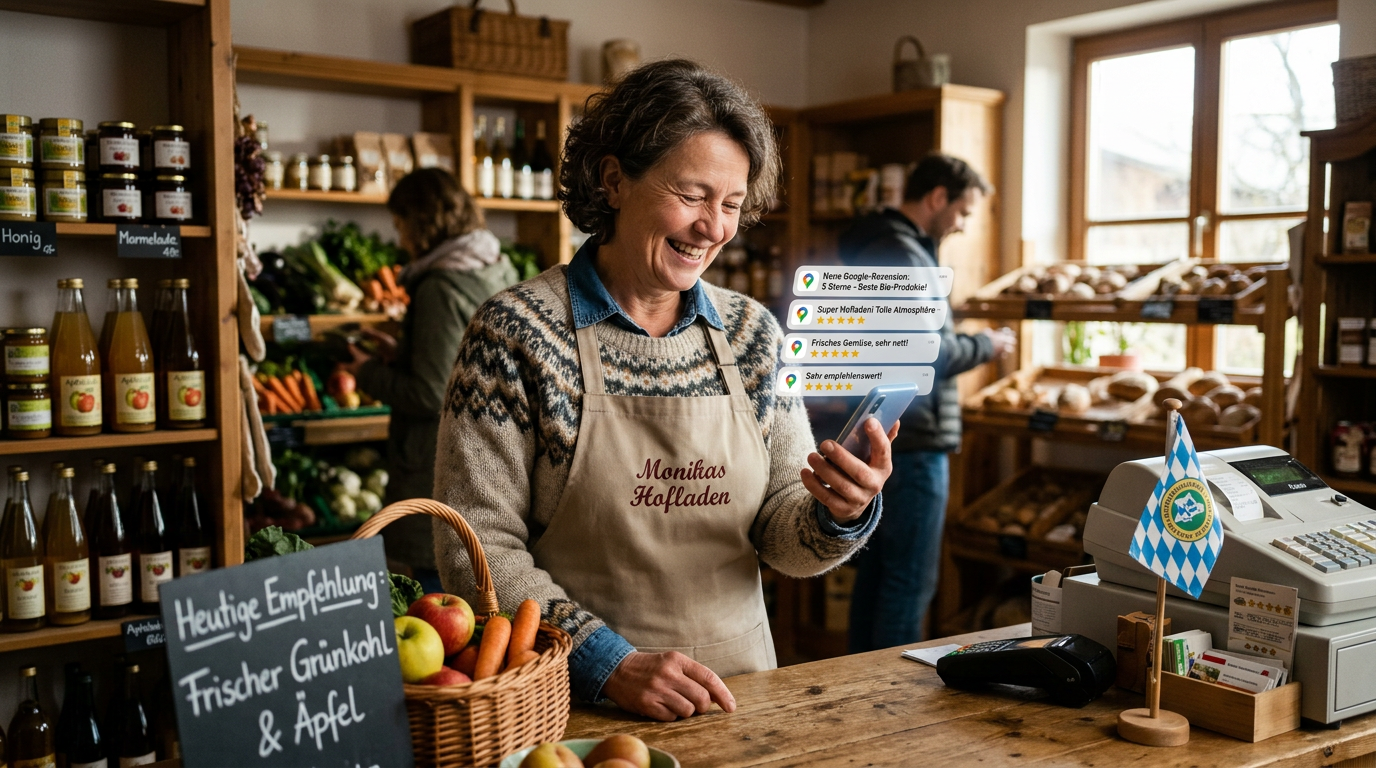
Bewertungen sind der wichtigste Vertrauensfaktor und beeinflussen euer Ranking erheblich. Google bewertet dabei:
Bittet zufriedene Kunden direkt um eine Bewertung – am besten mit einem direkten Link. Den findet ihr in eurem Google Business Dashboard unter ‘Mehr Rezensionen erhalten’.
Das Google Business Profil erlaubt eigene Beiträge – ähnlich wie Social Media Posts. Ankündigungen, Angebote, saisonale Aktionen, neue Leistungen. Google zeigt aktive Profile bevorzugt an.
Ein Beitrag pro Monat reicht als Minimum – mehr ist besser. Es müssen keine langen Texte sein. Ein aktuelles Foto mit zwei Sätzen Beschreibung ist besser als gar nichts.
Im Profil können Nutzer Fragen stellen – die ihr oder andere beantworten können. Schaut regelmäßig rein und beantwortet Fragen professionell und freundlich. Ihr könnt auch selbst häufig gestellte Fragen vorab einstellen.
Euer Unternehmensname, eure Adresse und eure Telefonnummer sollten überall identisch sein – im Google Business Profil, auf eurer Website, im Impressum und in allen Verzeichnissen. Abweichungen verwirren Google und schwächen das Ranking.
Wichtig: Auch der kleinste Unterschied – ‘Str.’ vs ‘Straße’, ‘GmbH’ vs ohne – kann Google verunsichern. Prüft alle Einträge und stellt Einheitlichkeit sicher.
Das Google Business Profil ist das Fundament jeder lokalen Online-Sichtbarkeit – und es kostet nichts außer eurer Zeit. Wer es vollständig ausfüllt, regelmäßig Fotos hochlädt und Bewertungen sammelt, ist in den meisten lokalen Märkten bereits besser aufgestellt als die Hälfte seiner Mitbewerber.
Wer darüber hinaus eine professionelle Website mit lokaler SEO haben möchte: Jetzt informieren auf xtra-graphics.de
Seit 2008 sind wir als engagierter Web‑ und E‑Commerce‑Dienstleister in der Nähe von Zwickau, Sachsen aktiv und entwickeln für Selbstständige und Unternehmen moderne, zukunftsfähige Lösungen – von individuellen WordPress‑Websites über WooCommerce‑Onlineshops bis hin zu gezieltem Online‑Marketing.
Xtra Graphics
We firmly believe that the internet should be available and accessible to anyone, and are committed to providing a website that is accessible to the widest possible audience, regardless of circumstance and ability.
To fulfill this, we aim to adhere as strictly as possible to the World Wide Web Consortium’s (W3C) Web Content Accessibility Guidelines 2.1 (WCAG 2.1) at the AA level. These guidelines explain how to make web content accessible to people with a wide array of disabilities. Complying with those guidelines helps us ensure that the website is accessible to all people: blind people, people with motor impairments, visual impairment, cognitive disabilities, and more.
This website utilizes various technologies that are meant to make it as accessible as possible at all times. We utilize an accessibility interface that allows persons with specific disabilities to adjust the website’s UI (user interface) and design it to their personal needs.
Additionally, the website utilizes an AI-based application that runs in the background and optimizes its accessibility level constantly. This application remediates the website’s HTML, adapts Its functionality and behavior for screen-readers used by the blind users, and for keyboard functions used by individuals with motor impairments.
If you’ve found a malfunction or have ideas for improvement, we’ll be happy to hear from you. You can reach out to the website’s operators by using the following email
Our website implements the ARIA attributes (Accessible Rich Internet Applications) technique, alongside various different behavioral changes, to ensure blind users visiting with screen-readers are able to read, comprehend, and enjoy the website’s functions. As soon as a user with a screen-reader enters your site, they immediately receive a prompt to enter the Screen-Reader Profile so they can browse and operate your site effectively. Here’s how our website covers some of the most important screen-reader requirements, alongside console screenshots of code examples:
Screen-reader optimization: we run a background process that learns the website’s components from top to bottom, to ensure ongoing compliance even when updating the website. In this process, we provide screen-readers with meaningful data using the ARIA set of attributes. For example, we provide accurate form labels; descriptions for actionable icons (social media icons, search icons, cart icons, etc.); validation guidance for form inputs; element roles such as buttons, menus, modal dialogues (popups), and others. Additionally, the background process scans all the website’s images and provides an accurate and meaningful image-object-recognition-based description as an ALT (alternate text) tag for images that are not described. It will also extract texts that are embedded within the image, using an OCR (optical character recognition) technology. To turn on screen-reader adjustments at any time, users need only to press the Alt+1 keyboard combination. Screen-reader users also get automatic announcements to turn the Screen-reader mode on as soon as they enter the website.
These adjustments are compatible with all popular screen readers, including JAWS and NVDA.
Keyboard navigation optimization: The background process also adjusts the website’s HTML, and adds various behaviors using JavaScript code to make the website operable by the keyboard. This includes the ability to navigate the website using the Tab and Shift+Tab keys, operate dropdowns with the arrow keys, close them with Esc, trigger buttons and links using the Enter key, navigate between radio and checkbox elements using the arrow keys, and fill them in with the Spacebar or Enter key.Additionally, keyboard users will find quick-navigation and content-skip menus, available at any time by clicking Alt+1, or as the first elements of the site while navigating with the keyboard. The background process also handles triggered popups by moving the keyboard focus towards them as soon as they appear, and not allow the focus drift outside it.
Users can also use shortcuts such as “M” (menus), “H” (headings), “F” (forms), “B” (buttons), and “G” (graphics) to jump to specific elements.
We aim to support the widest array of browsers and assistive technologies as possible, so our users can choose the best fitting tools for them, with as few limitations as possible. Therefore, we have worked very hard to be able to support all major systems that comprise over 95% of the user market share including Google Chrome, Mozilla Firefox, Apple Safari, Opera and Microsoft Edge, JAWS and NVDA (screen readers).
Despite our very best efforts to allow anybody to adjust the website to their needs. There may still be pages or sections that are not fully accessible, are in the process of becoming accessible, or are lacking an adequate technological solution to make them accessible. Still, we are continually improving our accessibility, adding, updating and improving its options and features, and developing and adopting new technologies. All this is meant to reach the optimal level of accessibility, following technological advancements. For any assistance, please reach out to
Sie sehen gerade einen Platzhalterinhalt von Vimeo. Um auf den eigentlichen Inhalt zuzugreifen, klicken Sie auf die Schaltfläche unten. Bitte beachten Sie, dass dabei Daten an Drittanbieter weitergegeben werden.
Mehr InformationenSie sehen gerade einen Platzhalterinhalt von YouTube. Um auf den eigentlichen Inhalt zuzugreifen, klicken Sie auf die Schaltfläche unten. Bitte beachten Sie, dass dabei Daten an Drittanbieter weitergegeben werden.
Mehr InformationenSie müssen den Inhalt von reCAPTCHA laden, um das Formular abzuschicken. Bitte beachten Sie, dass dabei Daten mit Drittanbietern ausgetauscht werden.
Mehr InformationenSie müssen den Inhalt von hCaptcha laden, um das Formular abzuschicken. Bitte beachten Sie, dass dabei Daten mit Drittanbietern ausgetauscht werden.
Mehr InformationenSie müssen den Inhalt von reCAPTCHA laden, um das Formular abzuschicken. Bitte beachten Sie, dass dabei Daten mit Drittanbietern ausgetauscht werden.
Mehr InformationenSie müssen den Inhalt von Turnstile laden, um das Formular abzuschicken. Bitte beachten Sie, dass dabei Daten mit Drittanbietern ausgetauscht werden.
Mehr InformationenSie sehen gerade einen Platzhalterinhalt von Smartsupp. Um auf den eigentlichen Inhalt zuzugreifen, klicken Sie auf die Schaltfläche unten. Bitte beachten Sie, dass dabei Daten an Drittanbieter weitergegeben werden.
Mehr Informationen